Connect with Us
We’re here when you’re ready.
Whether you’re looking for answers, advice, or the right partner, our team is ready to connect. Fill out the form below and we’ll be in touch shortly. Answers to commonly asked questions are below.

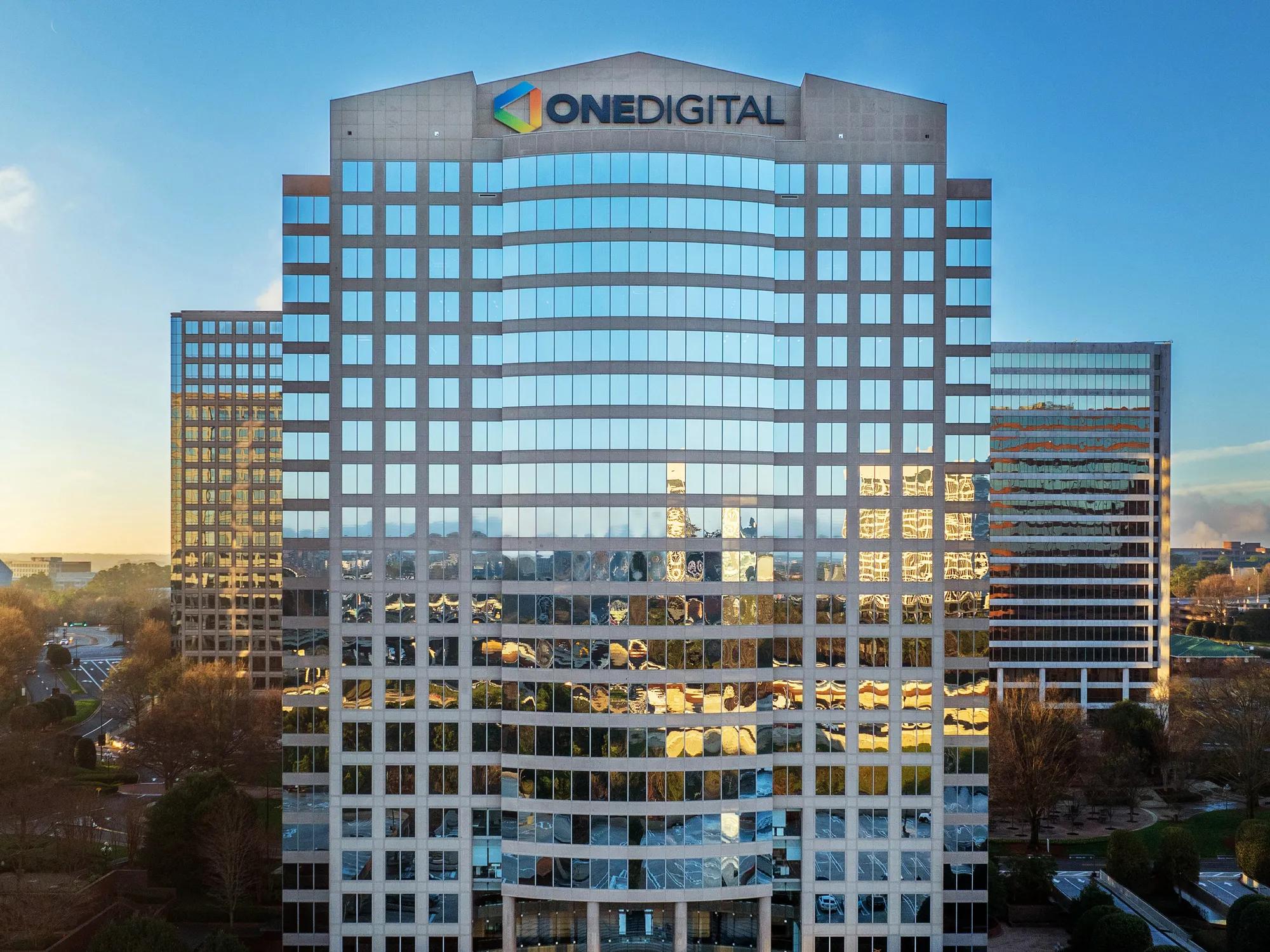
LOCATIONS
Find a OneDigital location near you to see how our solutions can make a difference.
For Benefits and Plan Participants
Whether you receive benefits, retirement plans, or payroll through OneDigital, these answers will help you access ID cards, paystubs, plan documents, and other commonly requested resources.
If you have a question about a claim or need help resolving an issue, your OneDigital team is here to support you. We recommend first reaching out directly to your plan’s insurance carrier, as they can provide specific claim details and next steps. You can find their contact information on your ID card.
If you’re unsure where to start or need additional guidance, contact your OneDigital account team. Their contact information can be found in your Benefit Enrollment Guide or by speaking with your HR representative.
Plan documents and ID cards are typically available through your insurance company. If they aren’t mailed to you, you can usually download them by logging in to your insurance company's or mobile app. You may need to register for an account using your personal information to verify your enrollment. If you need help, your employer's HR or benefits department can likely assist.
Benefits guides are an overview of the benefit options available to you through your employer. The best way to locate the most up-to-date document is by contacting your employer's HR or benefits department.
RE 360 is your employee portal for updating personal information, viewing payroll records and paystubs, managing time and attendance, and more. Each employer has a unique RE 360 access link, which should be provided directly by your company.
If you’re not sure where to find your link or are having trouble logging in, please contact your company’s HR or payroll team. You may also call the payroll support line at (877) 703-8010 for assistance.
Choosing and using your benefits can feel complicated—but it doesn’t have to be. OneDigital’s Breakroom is a digital resource designed to help you make sense of your health, financial, and wellbeing benefits. It offers easy-to-understand tools and guidance to help you confidently choose and use your benefits year-round. You can access Breakroom here.
For financial guidance, OneDigital’s Financial Academy provides on-demand education and resources to help you make smart money decisions.
We know every financial situation is unique, and sometimes you need 1:1 guidance. Through OneDigital Investment Advisors LLC, you have access to experienced financial professionals who can help you navigate saving, investing, and planning for the future with confidence. You can schedule a 1-on-1 consultation here.
Our Financial Academy also offers monthly live sessions with our advisors—open to anyone who wants to build stronger financial habits and gain practical insights. You can explore upcoming sessions and register here.
Investment advice is offered through OneDigital Investment Advisors LLC, a subsidiary of Digital Insurance LLC. Each subsidiary of Digital Insurance LLC marketing under OneDigital® trademark has financial responsibility for only its own products and services.
For Employers and Business Clients
If your company works with OneDigital for employee benefits, retirement plans, business insurance, or one of OneDigital’s other solutions, these answers provide guidance on portals, claims advocacy, and resources to support your employees.
If an employee is experiencing a claims issue, OneDigital can provide advocacy support to help navigate the process. Reach out to your dedicated OneDigital representative or contact our Client Services team to get guidance on the next steps. We’ll help coordinate with the insurance carrier to ensure the issue is addressed efficiently.
The RE 360 portal allows you to manage employee information, payroll records, time and attendance, and more. Each employer has a unique RE 360 portal link, which should be provided directly by your organization.
If you need help locating your link or experience issues accessing your account, please contact your OneDigital representative or call the payroll support line at (877) 703-8010 for assistance.
OneDigital offers a variety of resources to help employees understand and maximize their benefits and financial wellbeing. Employees can access educational content through the Breakroom, which covers health, financial, and wellbeing benefits. Additionally, our Financial Academy offers live sessions with financial advisors that can help employees make decisions about saving and investing. Contact your OneDigital representative for guidance on sharing these resources with your workforce.
Business and risk insurance clients can access their unique client portal online or via the OneDigital P&C Mobile app. This portal provides secure access to policy documents, certificates of insurance, and other important information. If you would like to set up a client portal, or need assistance logging in or locating your portal, please contact your OneDigital representative for guidance.
For questions or support related to employee claims, benefits, payroll, or plan administration, your OneDigital representative is your first point of contact. They can guide you through the right resources and ensure your employees get the assistance they need quickly.
For External Inquiries and Business Requests
Whether you’re a prospective partner, vendor, media representative, or looking to submit a business proposal, these answers will help you connect with the right team at OneDigital.
OneDigital uses The Work Number for employment verifications, including commercial purposes such as mortgage lending, pre-employment screening, property leasing, and credit checks. To submit a verification request:
Visit www.theworknumber.com and select “I’m a Verifier.”
Provide the following information:
- Employer Name: Digital Insurance LLC dba OneDigital
- Employer Code: 28289
- Employee’s Social Security Number
If you’ve already been in touch with a OneDigital or external recruiter, we encourage you to reach out to them directly for updates on your application status.
If you haven’t yet connected with a recruiter, please know that our Talent Acquisition team reviews all applications carefully. You can check the status of your application by logging into your candidate profile on our Workday Portal.
Please email your request to media@onedigital.com. Be sure to include the name of your outlet, a description of your request, and any relevant deadlines. We will review your inquiry and respond promptly.
Please complete the form above to ensure your request is routed to the right team. Make sure to fill out all required fields so your inquiry reaches the team most qualified to assist you.
For questions related to invoices, payments, or other vendor matters, please contact our Accounts Payable team at accountspayable@onedigital.com. They can help you submit invoices, checking payment status, and address other supplier inquiries.
Our Solutions
Tailored solutions designed to support the health, financial security, and success of people and organizations.
Personal Financial Services
Wealth Management
Financial guidance built around your goals, your journey, and your life.
Financial guidance built around your goals, your journey, and your life. We help you align resources, ambitions, and priorities—so you can navigate life’s milestones with confidence and build lasting financial well-being.


Personal Financial Services
Financial Education & Guidance
Build confidence and clarity at every stage of your financial journey.
Build confidence and clarity at every stage of your financial journey. Through interactive learning, personalized resources, and timely events, we empower individuals to make informed decisions—helping to build lasting financial security.

Healthcare
Medicare Advantage
Explore your healthcare options with guidance you can trust.
Explore your healthcare options with guidance you can trust. We help you navigate Medicare Advantage, supplemental, and prescription coverage with clarity—so you can make informed choices that fit your health and budget.

Personal Financial Services
Private Client
Sophisticated wealth strategies for individuals and families with complex needs.
Sophisticated wealth strategies for individuals and families with complex needs. Our Private Client team delivers a level of strategy that streamlines complexity, protects your legacy, and gives you the confidence to focus on the life you choose.

Personal Financial Services
Executive Planning
Turn complex business transitions into clear, actionable plans.
Turn complex business transitions into clear, actionable plans. We help entrepreneurs and business owners address the personal, tax, legal, and financial considerations of selling or transferring a business—ensuring a smooth succession and protecting long-term wealth.

ABOUT US
Learn More About OneDigital
OneDigital’s team of fierce advocates helps businesses and individuals achieve their aspirations of health, success and financial security. Learn more about our complete platform of solutions.
Careers
Join Our Team
Dedicate your skills to making a difference in millions of lives every day. Explore careers with OneDigital so you can do your best work and live your best life.